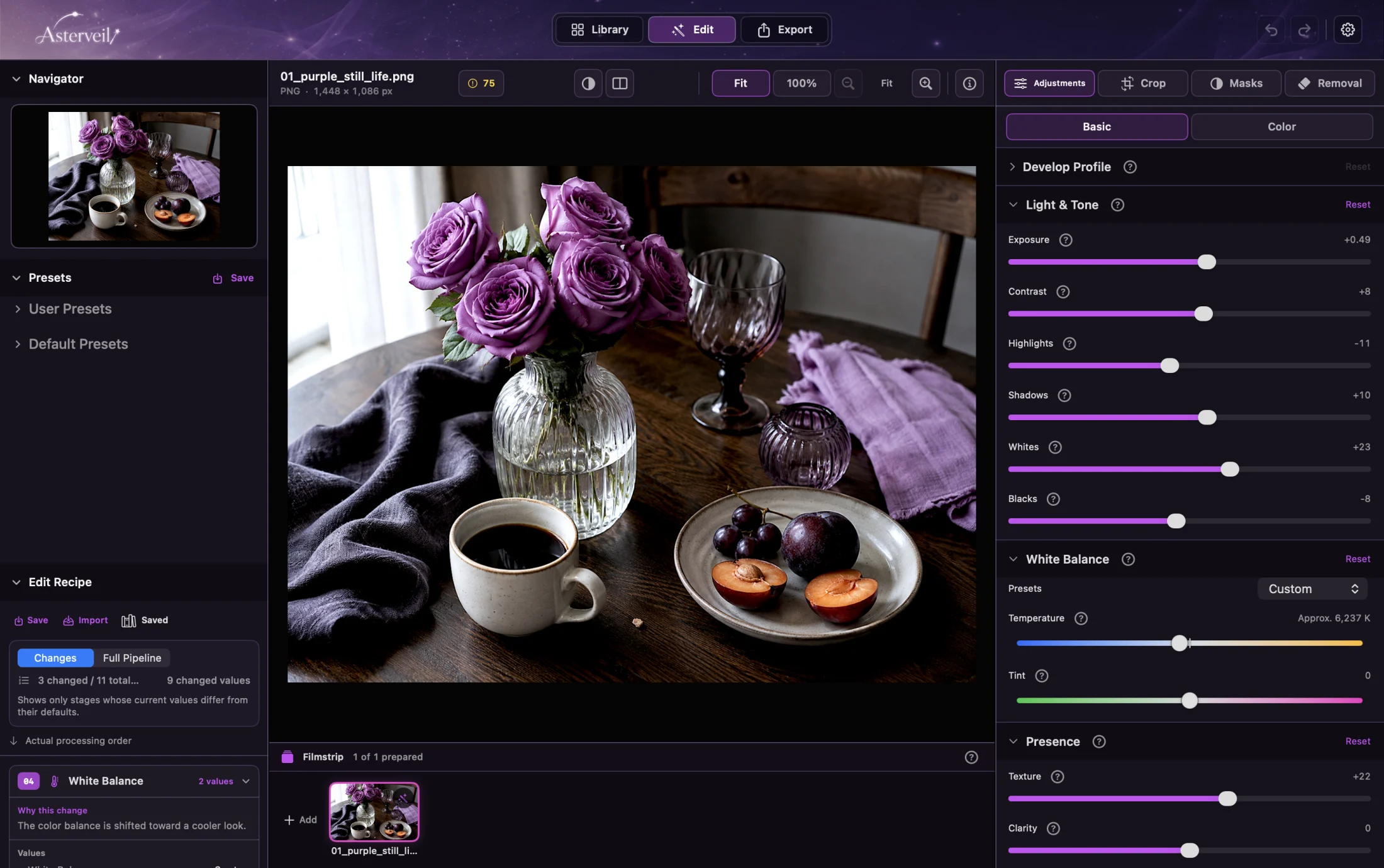
Finish the photograph yourself.
RAW. Masks. Recipes. Mac / iPhone / iPad.
Download on theMac App StoreiPhone / iPad → App StoreBuy once. Edit whenever you want.
Both the Mac app and Pocket let you use the editing features and complete your first 5 exports for free. A one-time in-app purchase then removes the export limit. Neither product requires monthly or annual fees.
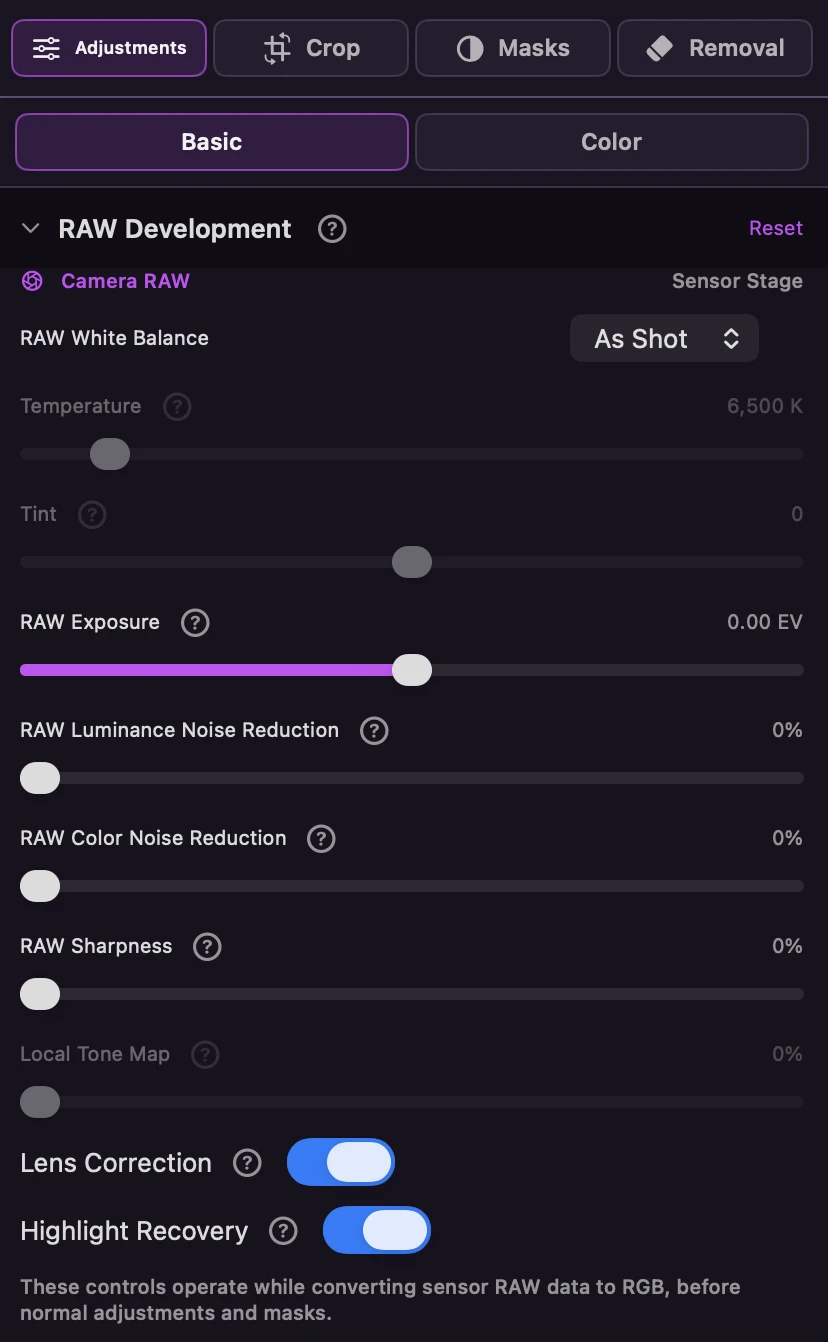
Refine exposure and color from RAW.
Exposure, WB, highlights, noise. The original RAW stays intact.
- Exposure, white balance, and tone
- Lens correction and highlight recovery
- Luminance and color noise reduction
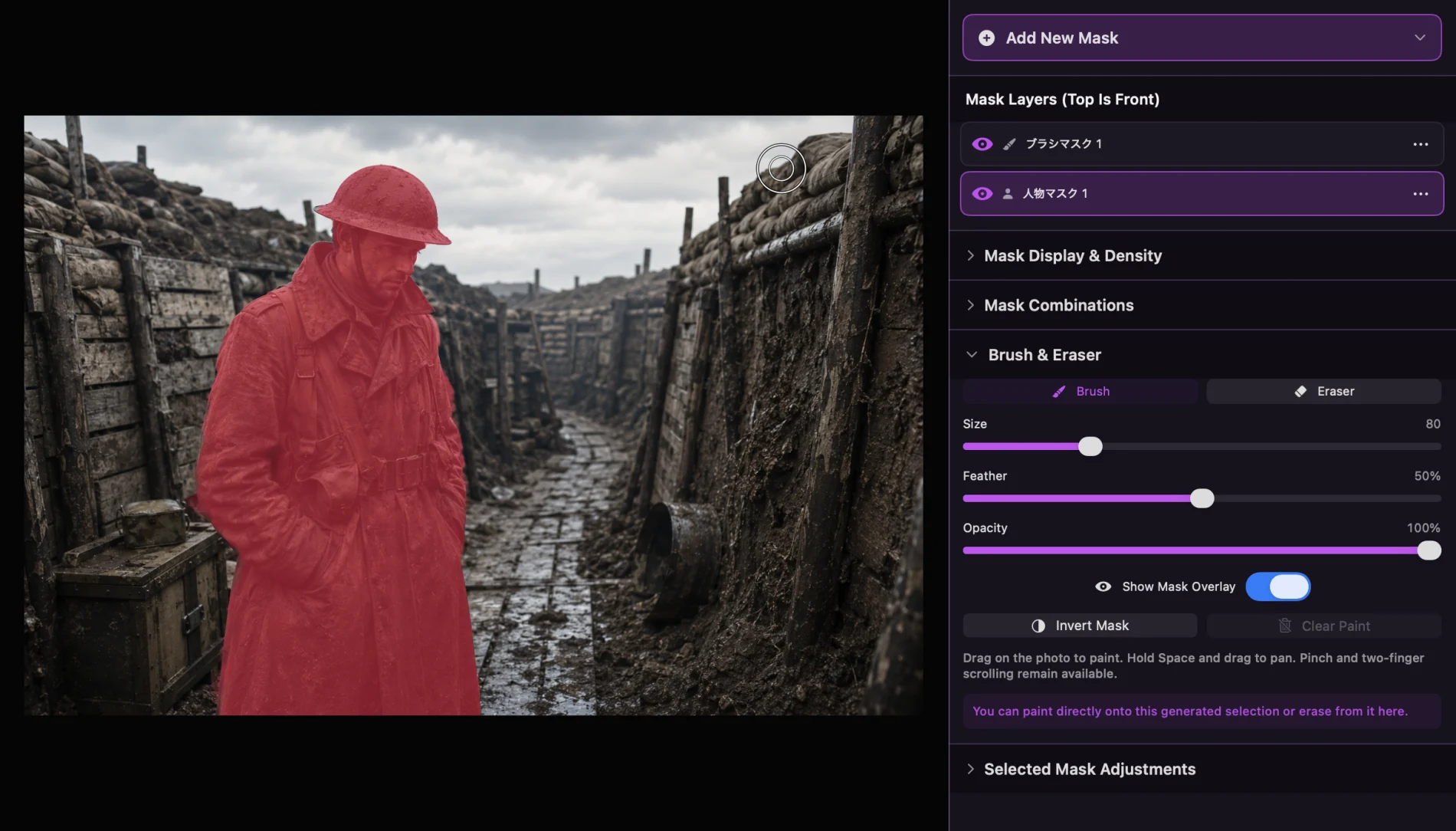
Go beyond automatic selection.
Person. Sky. Color. Select, add, erase.
Before the edit. After the edit.
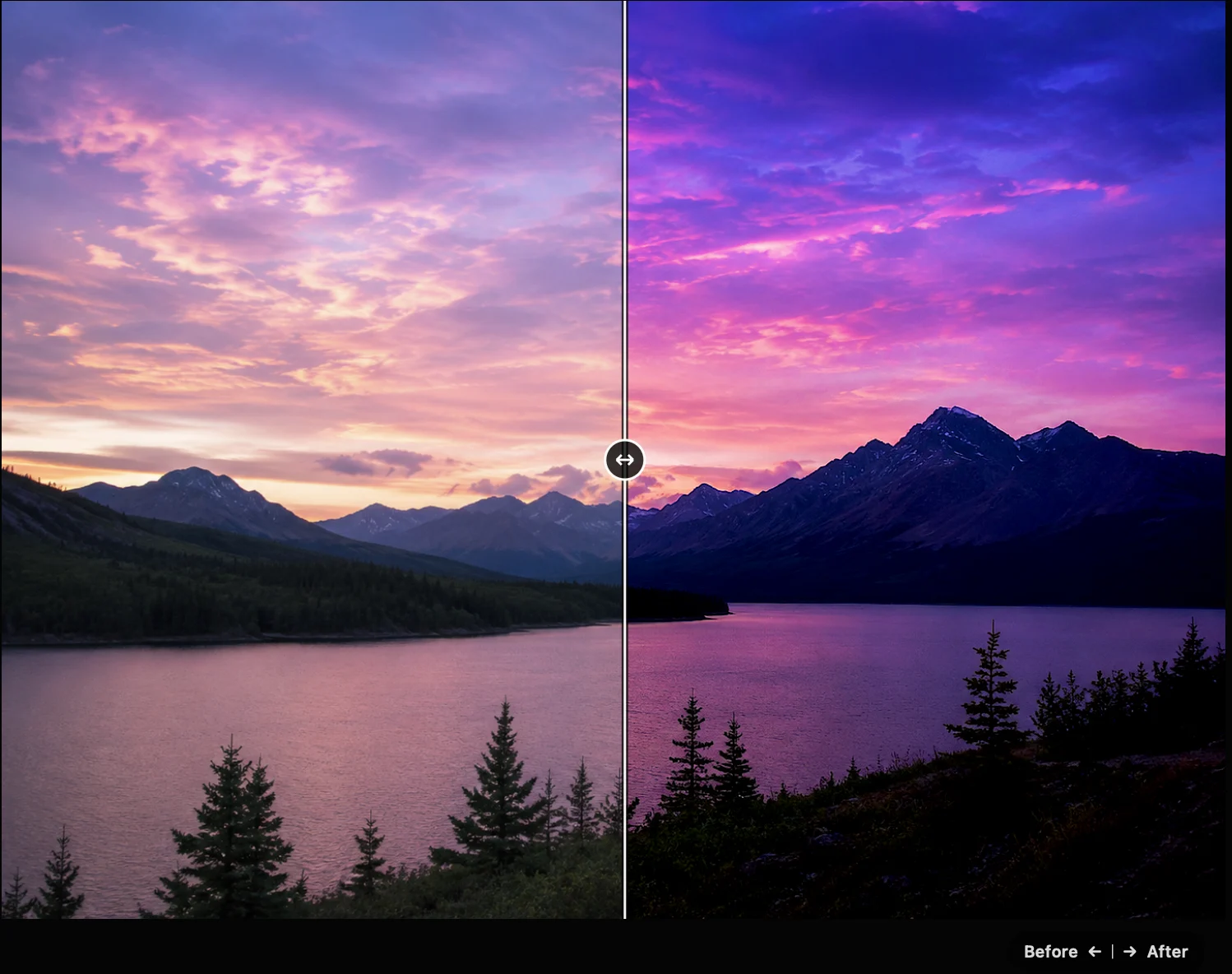
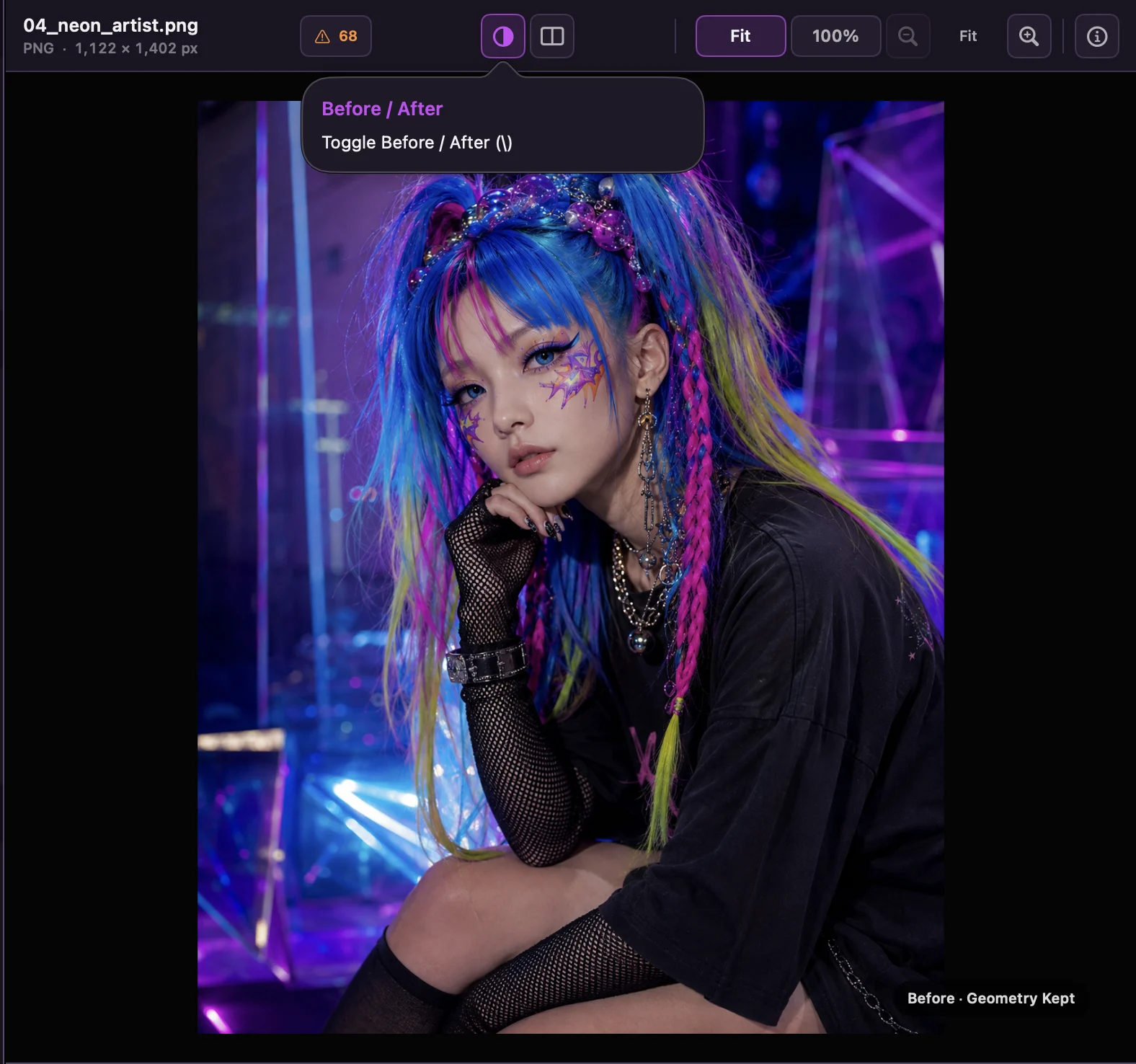
Adjust freely. Keep the original intact.
Original untouched. Settings can change.
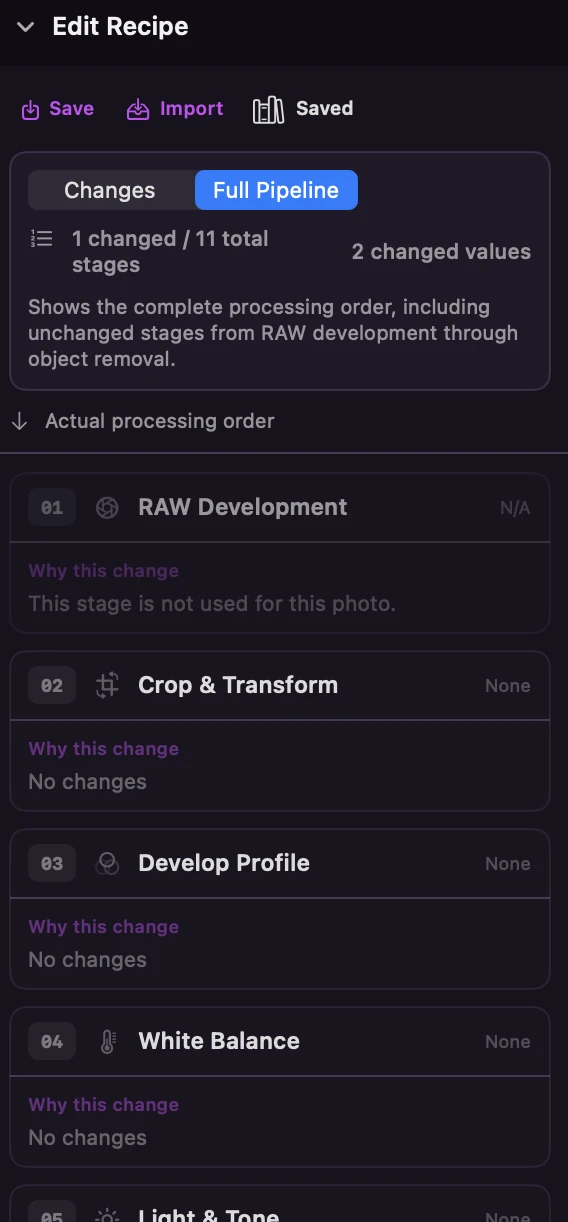
Save the editing process as a Recipe.
Save the settings and the steps. Use them on another photo.
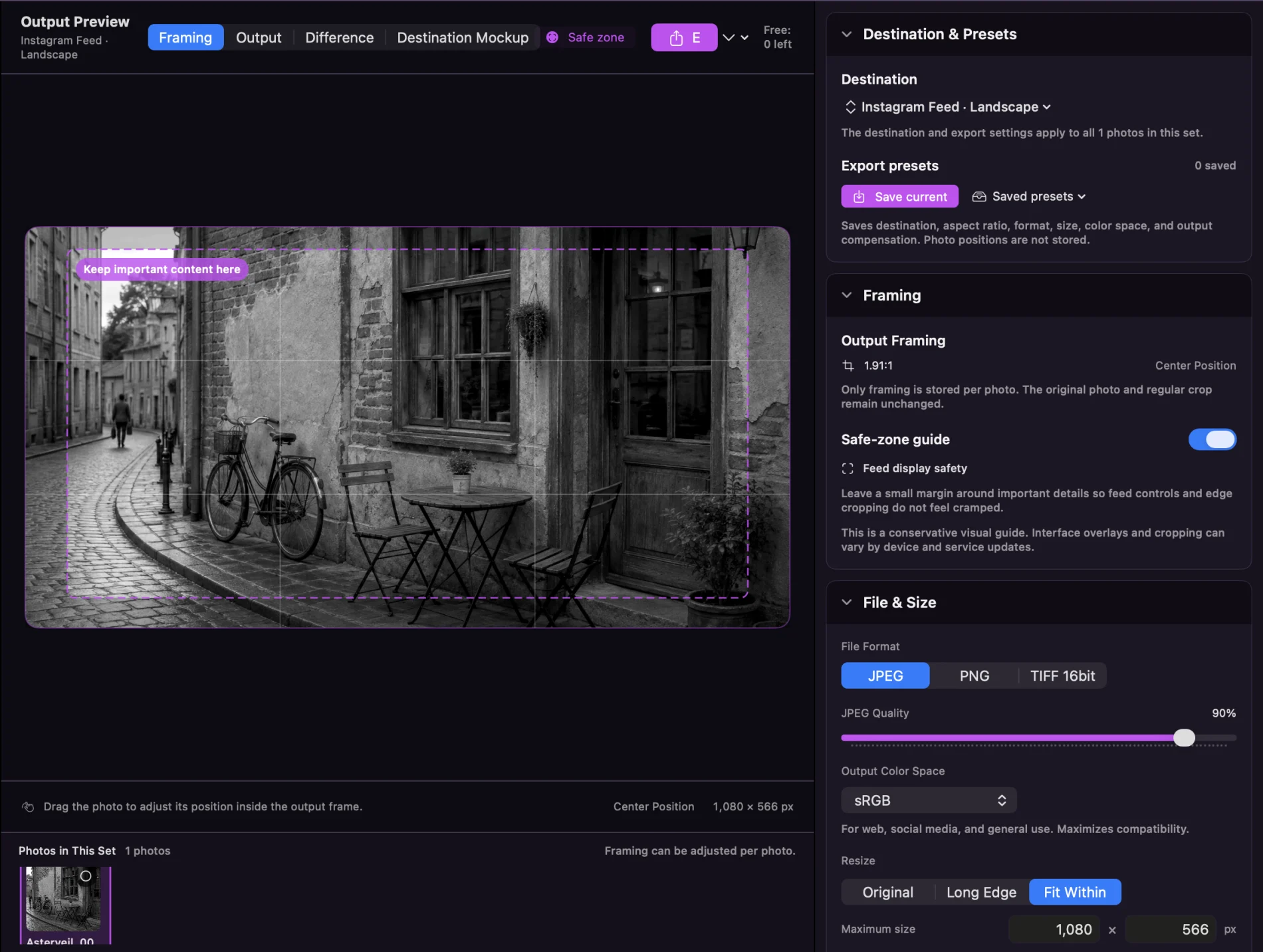
Export. At the size you need.
For a feed. For the web. Set the size and export conditions.
Asterveil Pocket
Finish one photo your way. Open a photograph on iPhone or iPad, shape light and color, refine the details with masks, save an Edit Recipe, and export for its destination.
Your first 5 successful photo exports are free. A one-time in-app purchase removes the export limit. Editing features remain available before purchase. Pricing is shown in your local App Store currency.
Requires iOS 18 or iPadOS 18 or later. Japanese and English. Pocket is available on the App Store. The Mac app and Pocket are separate apps and separate purchases.
Asterveil Pocket → App Store · iPhone / iPadPhoto editing on Mac.
Finish the photograph.
Asterveil for Mac is available from the Mac App Store. Asterveil Pocket for iPhone and iPad is available on the App Store. Both products share the support pages and privacy policy.
Download on theMac App Store