Enter chords. Hear them right away.
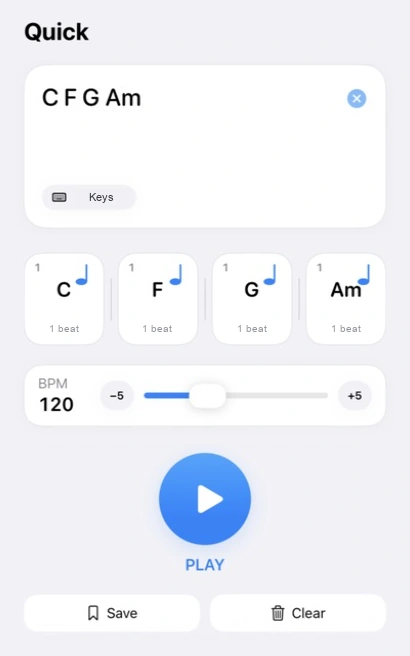
Put chords together and play them on the spot. Hear a progression while the idea is still fresh.
Chord progress sketchbook for iPhone
Quickly jot down the chords that come to mind, in a text field or through Shortcuts. Play them, make a few changes, and save them—all on your iPhone.
Why Chord Jot
Put chords together and play them on the spot. Hear a progression while the idea is still fresh.
Try chord progressions based on the options you choose, and listen to any that catch your attention.
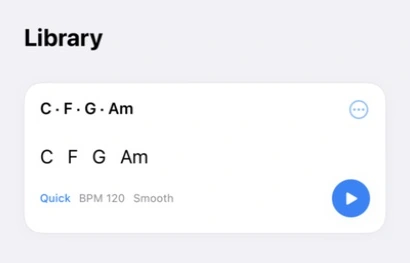
Keep the progressions you like in Library. Open a saved idea whenever you want and try what comes next.
01 · Jot
Start with the chords that come to mind. They do not have to be a finished song. Chord Jot gives an idea a place to take shape before it slips away.
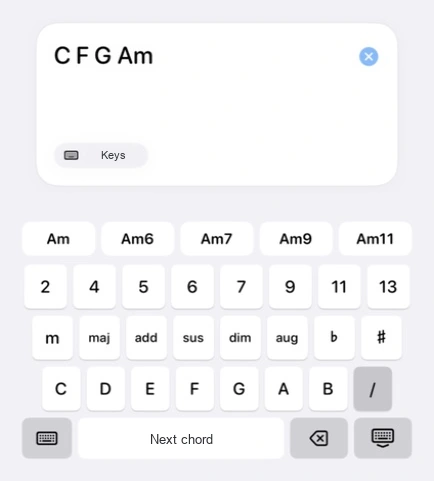
Select the text field to open the dedicated chord keyboard. Tap root notes, chord types, and extensions to enter your chords.
02 · Listen
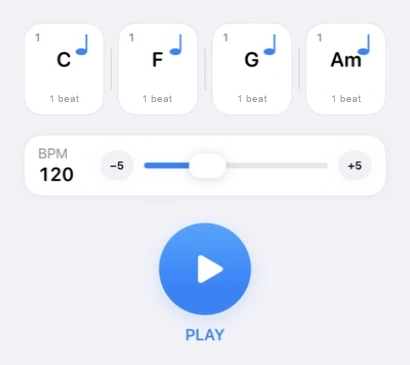
You do not have to decide everything in your head. Play the progression you entered and think about what comes next as you hear it.
In Ideas, you can also explore other possibilities through progressions based on your chosen options.
03 · Keep
Even if you do not know what comes next yet, you can keep the idea in Library. Open the saved progression to play and edit it from where you left off.
A simple flow
Put chords together.
Hear them on the spot.
Save them to open later.
Chord Jot for iPhone